GripperGUI User Interface
Select a gripper
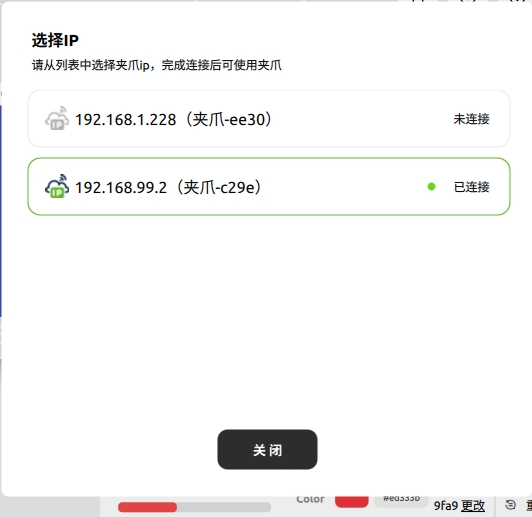
Click Change to open the compute-unit list. It shows the IP address of each compute unit discovered on the LAN, the corresponding gripper MAC address, and which device is currently connected. Select the target compute unit to establish the gripper connection.
After plugging or unplugging a tactile sensor, click Reset Connection. The application releases the current connection, scans the selected compute unit for sensors again, and then reconnects the gripper and sensors.
Control panel
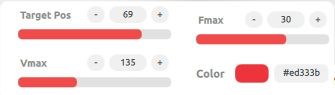
| Control | Purpose |
|---|---|
| Target position | Set 0–85 mm; 0 is closed and 85 is open |
| Maximum velocity | Limit gripper motion speed |
| Maximum force | Limit maximum contact force |
| Status LED | Set the RGB LED color |
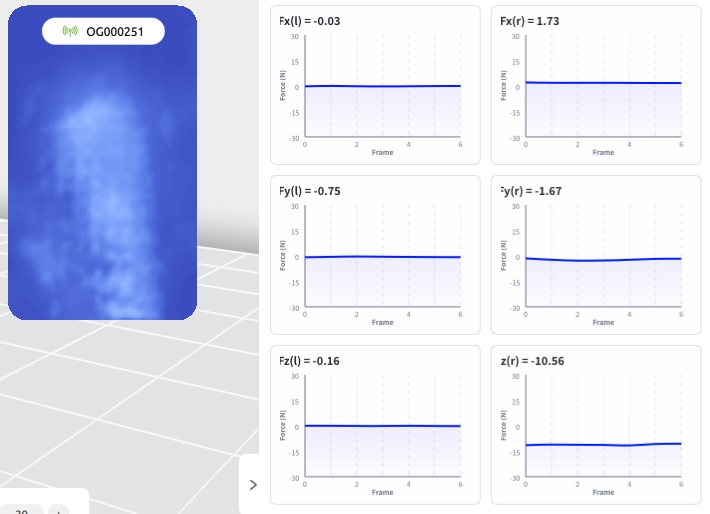
The tactile panel shows contact images and multidimensional force data. Calibrate only when the sensor has no contact.
Toolbar
Use settings to switch the theme and language, help to open the documentation, about to check the version, and minimize/maximize/exit to control the window.