User Interface
Select a sensor
The device panel lists discovered sensors:
- Online: select the sensor directly and view its data.
- Offline: the device is disconnected and must be rescanned.
- Error: configuration or initialization failed; hover over the icon for details.
After plugging or unplugging a sensor, select Rescan, then choose the target device from the list.
Multiple sensors can be connected, but inference load and USB bandwidth grow with device count.

Perception modes
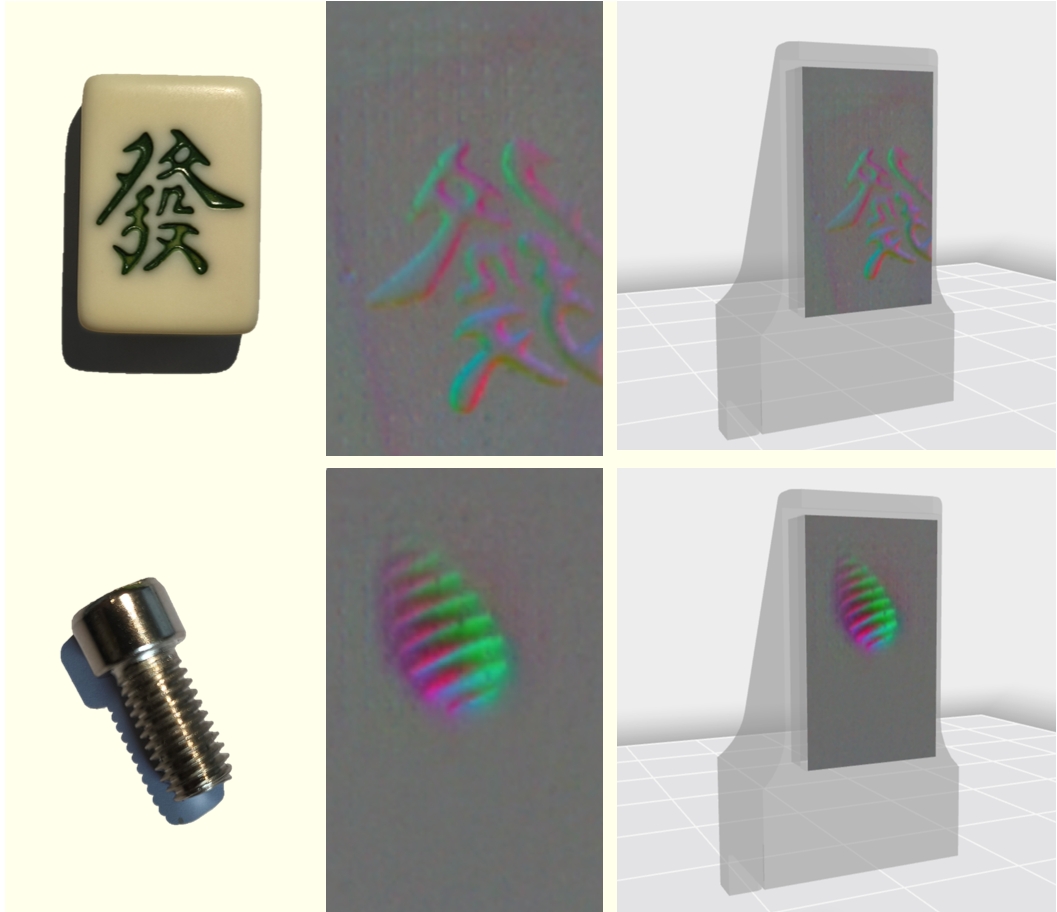
- Default: tactile image and standard multimodal data.
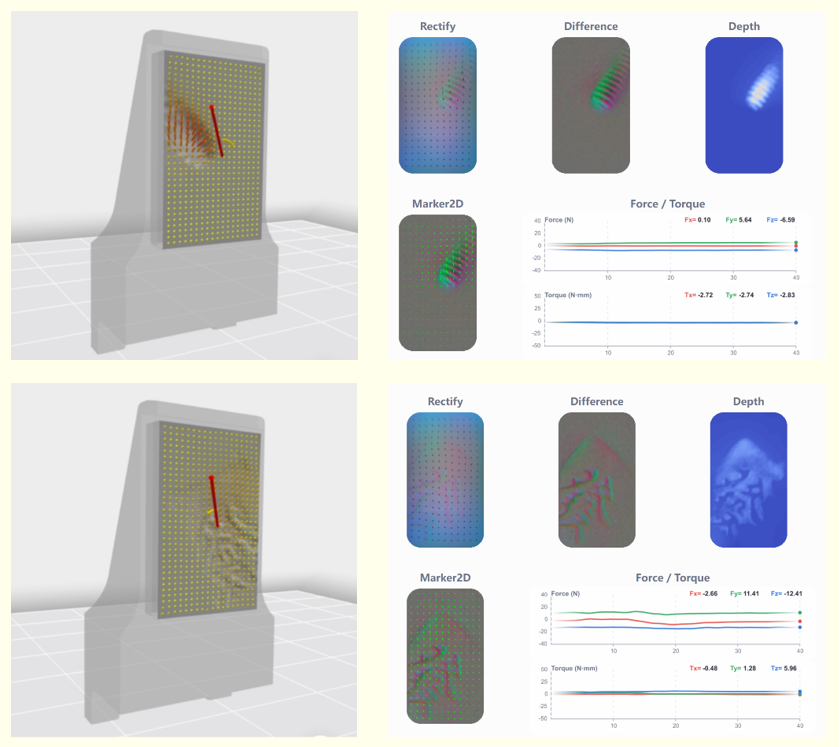
- Contact force: force arrows and the surface deformation field. Arrow direction and length represent force direction and magnitude.
If imagery is distorted or stale, remove all contact and click Calibrate.
Toolbar
Use Settings to switch the theme and language; Help to open the documentation and FAQs; About to view version information; and Minimize, Maximize, and Exit to control the application window.

Recording
Choose outputs and a destination in the data/recording panel. Do not move, unplug, or reconnect sensors during recording. Stop recording before exiting so file indexes are finalized.